
Product Video
Websblog Custom Otp Login
Custom OTP Login WordPress Plugin
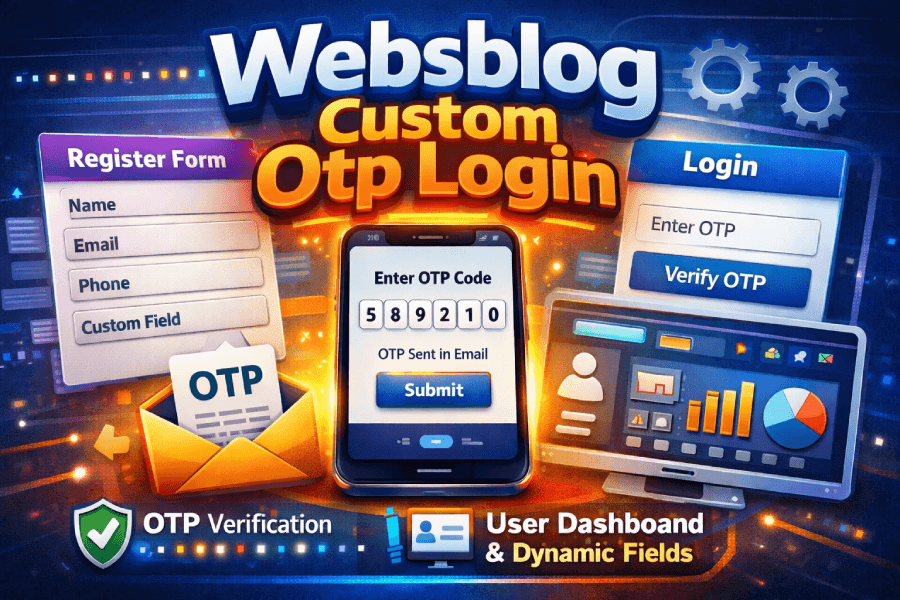
Use this plugin for register user , login with otp, get user dashboard with dynamics fields etc.
Custom OTP Login WordPress Plugin – User Guide
This guide explains how to install, configure, and properly test the Custom OTP Login plugin in simple step-by-step language. Follow this document carefully to avoid common mistakes.
1. Installation
- Go to WordPress Admin → Plugins → Add New.
- Click 'Upload Plugin'.
- Upload the custom-otp-login.zip file.
- Click 'Install Now' and then 'Activate'.
2. Basic Setup
After activation:
- Navigate to the plugin settings page from the WordPress dashboard.
- Configure OTP settings (Set all url of your dashboard, login and register page).
- Add your admin email.• Save the settings before testing anything
3. Registration Fields Setup
The plugin allows you to add or modify custom registration fields.
Steps:
- Open the Registration Fields section inside plugin settings.
- Add new fields or edit existing ones.
- Save changes.
- Clear cache (IMPORTANT – see section below).
- Test on the frontend registration form.
4. Dynamic Tabs Configuration
The plugin supports dynamic tabs (in register form you can add unlimited fields in register form):
- Go to Dynamic Tabs Section Add, edit o delete fields.
- Enable or disable tabs as needed.
3.You can use short codes , content in these tabs .
4. Save settings.
- Clear cache before testing.
5. IMPORTANT – Clear Cache Before Testing
Before testing new registration fields or dynamic tabs, you MUST clear cache. If you do not clear cache, changes may not appear and you may think the plugin is not working.
Clear cache in the following places if applicable:
- WordPress caching plugins (WP Rocket, LiteSpeed, W3 Total Cache, etc.)
- Server cache (LiteSpeed / NGINX / Hosting cache)
- CDN cache (Cloudflare, etc.)
- Browser cache (Hard refresh: Ctrl + F5)
6. Testing Checklist
Before going live, test the following:
☐ New user registration with OTP
☐ OTP resend functionality
☐ Login with OTP
☐ Custom fields saving in user profile
☐ Dynamic tabs switching properly
☐ Error messages display correctly
7. Common Issues & Fixes
Issue: Registration fields not showing
Fix: Clear cache and re-save plugin settings.
Issue: OTP not received
Fix: if u face mail send issue plz install wo smpt and connect with your website.
Issue: Tabs not switching
Fix: Clear cache and check for JavaScript conflicts with theme or other plugins.
8. Best Practices
- Always test in Incognito mode.
- Do not modify core plugin files directly.
- Keep backups before major changes.
- Test after every update.
9. Support Notes
If something does not work after following all steps, disable other plugins temporarily to check for conflicts. Then contact us with screenshots and error details.
No reviews yet. Be the first to review this product!
Add a Review
Thank You!
Your review has been submitted successfully and is now awaiting approval.
Added to Cart!
Your product has been successfully added to the cart.
Related Products